Learning outcome 2: Development and Version Control
You explore front-end development languages, you write code and document in a version control environment.
Coding to relax
Introduction
Every Thursday, we have coding workshops with Stan — and honestly, they’ve become one of the best parts of my week. Stan doesn’t just teach us code; he shows us how fun and creative it can be. I always walk away with something new and useful.
What did I build?
- JS Counter: A simple interactive counter that helped me understand DOM manipulation.
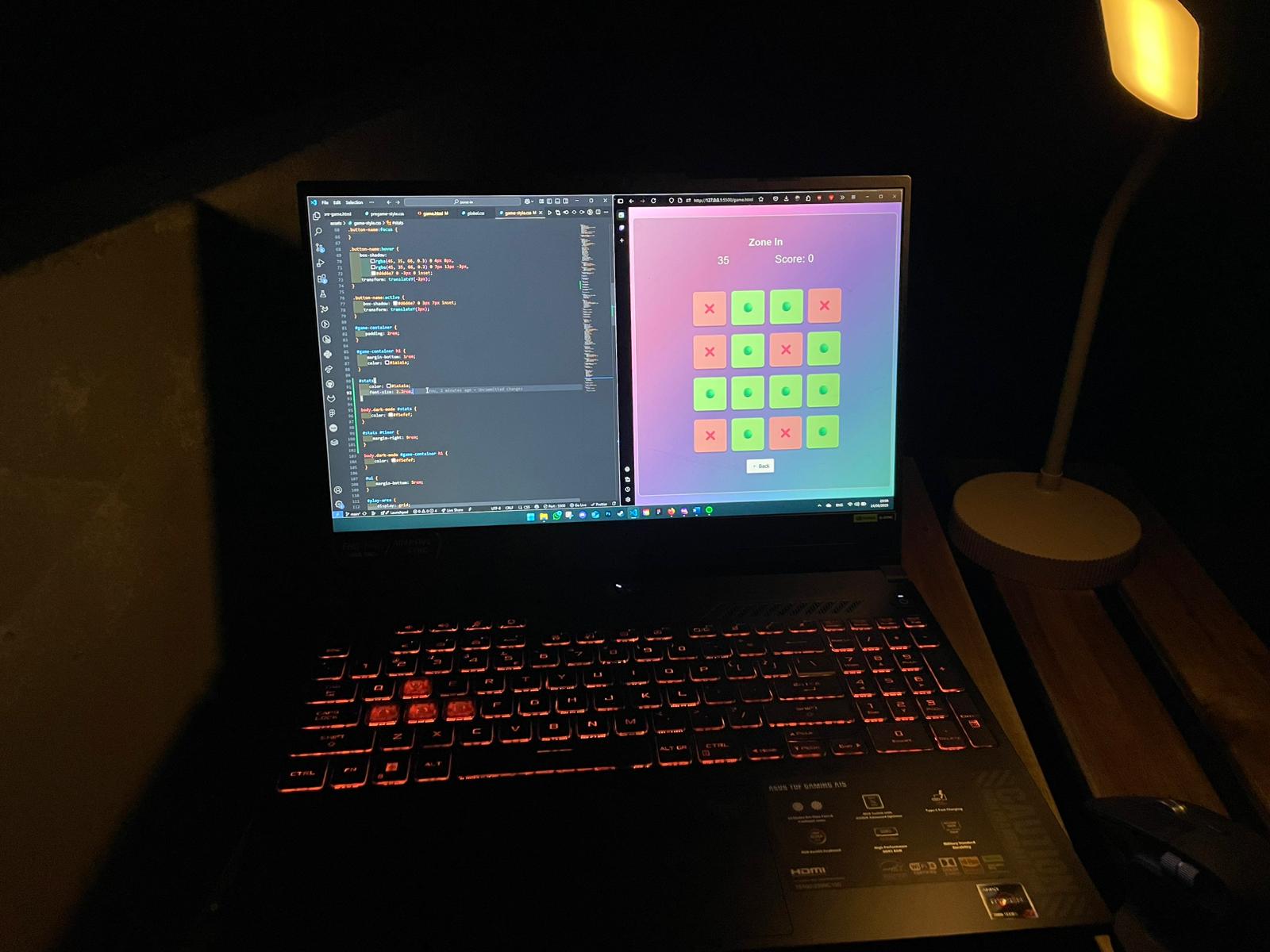
- JS Game: My first try at building a basic game logic with player and enemy movement.
- GSAP Flower: Used GSAP for creative animations. This was just for fun, but it sparked a lot of ideas.
Explore them all here:
How did it go?
At first, I was nervous about JavaScript. It looked complex, and I wasn’t sure I could keep up. But once I started building small things and testing them in the browser, it started to click. I went from being hesitant to actually enjoying the process.
(Coding process of the Zone in)
What I learned
- How to use JS to interact with HTML elements (like buttons and counters)
- How to handle user input with event listeners
- Basic game logic using conditionals and loops
Reflection
I feel more confident with coding now, especially JavaScript. There's still a long way to go, but I'm actually excited to keep learning. I want to try more interactive tools and maybe a full mini game someday. Huge thanks to Stan for making it so fun and clear!
Version Control with Git
Introduction
Version control used to sound intimidating, but once I started using Git, it became second nature. I now use it to manage all my code—whether I'm working alone or with others.
What did I do?
GitLab: School projects and collaboration work.
GitHub: My personal space for experiments and fun ideas.
How did it go?
In the beginning, Git was confusing. Merge conflicts, branching... all of it felt like too much. But after using it regularly and seeing how it helped keep everything organized, it started making a lot of sense.
What I learned
- How to commit, clone, and manage branches
- Pushing/pulling updates without losing work
- Using GitHub/GitLab for collaboration
Reflection
Learning Git made me feel more like a real developer. I no longer worry about breaking things because I know I can always go back. I want to keep improving and maybe dive into advanced Git workflows next.
Overall Reflection
This learning outcome helped me get over my fear of code. JavaScript isn’t scary anymore, and Git feels like a tool I can rely on. I still make mistakes, but I now understand how to fix them. I feel more independent and creative with development, and I’m ready to tackle more advanced projects in the future.