Learning Outcome 1: Interactive Media Products
You orient yourself in the relevant tech, media, and design landscape and create interactive media products that you have tested with users and stakeholders.
Portfolio Prototype
Introduction
This semester, I worked on several concepts for my portfolio. At first, I had rough sketches and lots of ideas that didn’t feel “complete.” But with each round of feedback from teachers, my design started to improve. I realized how valuable it is to test things and then go back and tweak them. Eventually, I picked a minimalist style with circular elements — it just felt like it represented me best.
What did I use?
Figma
- Visualized layout options
- Applied a consistent style
- Prepared the design for development
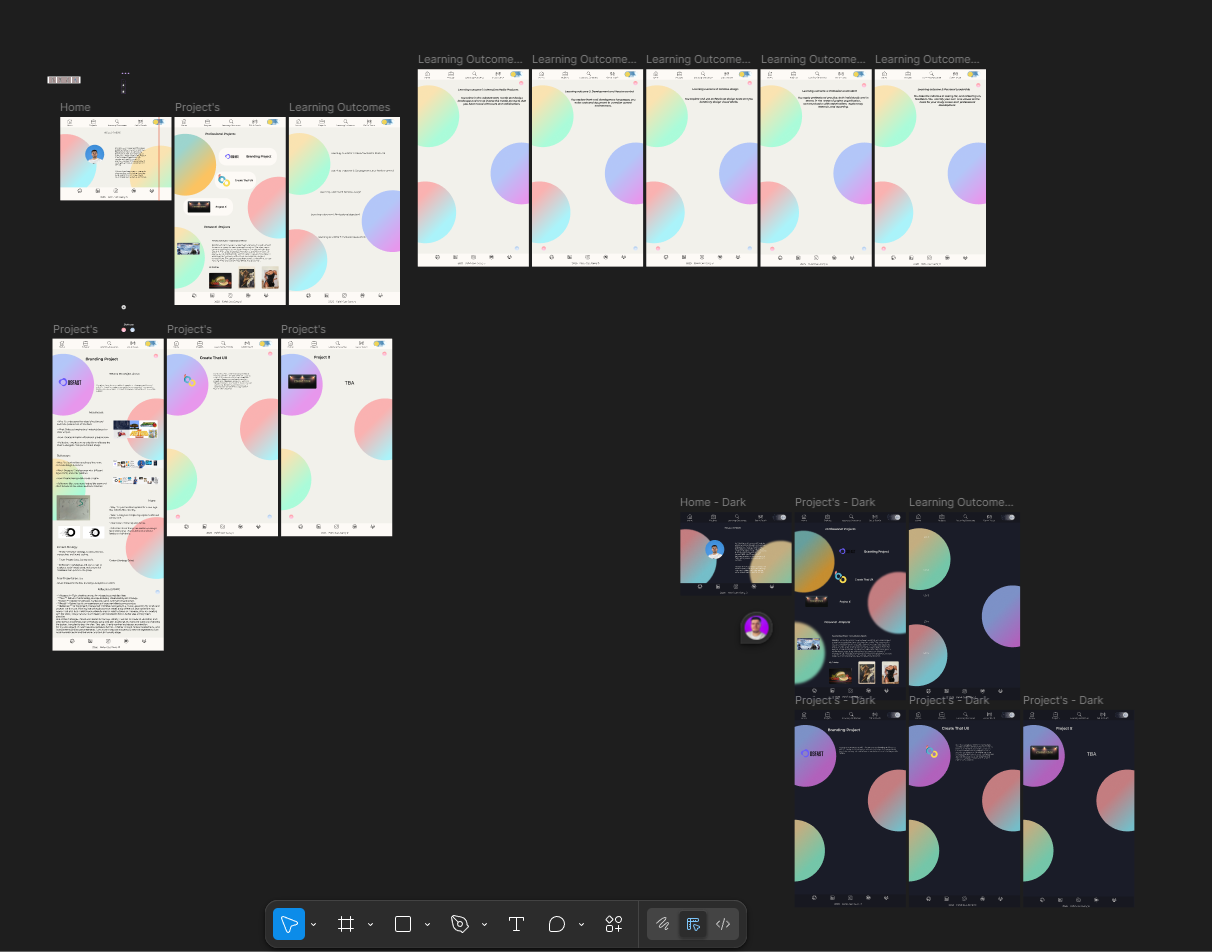
How did it go?
The process was a bit tricky at first. I struggled to balance something that looked cool with something that actually worked. But thanks to all the feedback and testing, the final design felt much stronger and more personal.
What I learned
- Iteration is powerful — feedback made my design better each time
- I became more confident using Figma for design and prototyping
- Visual consistency really improves the user experience
Reflection
This project showed me that good design doesn’t happen in one go. It’s a loop of trying, adjusting, and improving. I’m more confident now in trusting my creative instincts while still staying open to feedback.
BELCO Website Redesign
Introduction
This project was all about redesigning the BELCO Alliance website. Their old one was over 10 years old and needed a serious refresh. It was slow, cluttered, and not very user-friendly.
What did I do?
I focused mostly on the "For Partners" section. I designed a new Research Reports page (even though it was later removed), and also worked on:
- The "Partner Institutions", "Registration Form", "FAQ" pages I also added an image slider to the homepage to make it more engaging.
- Adding the hero images to all pages.
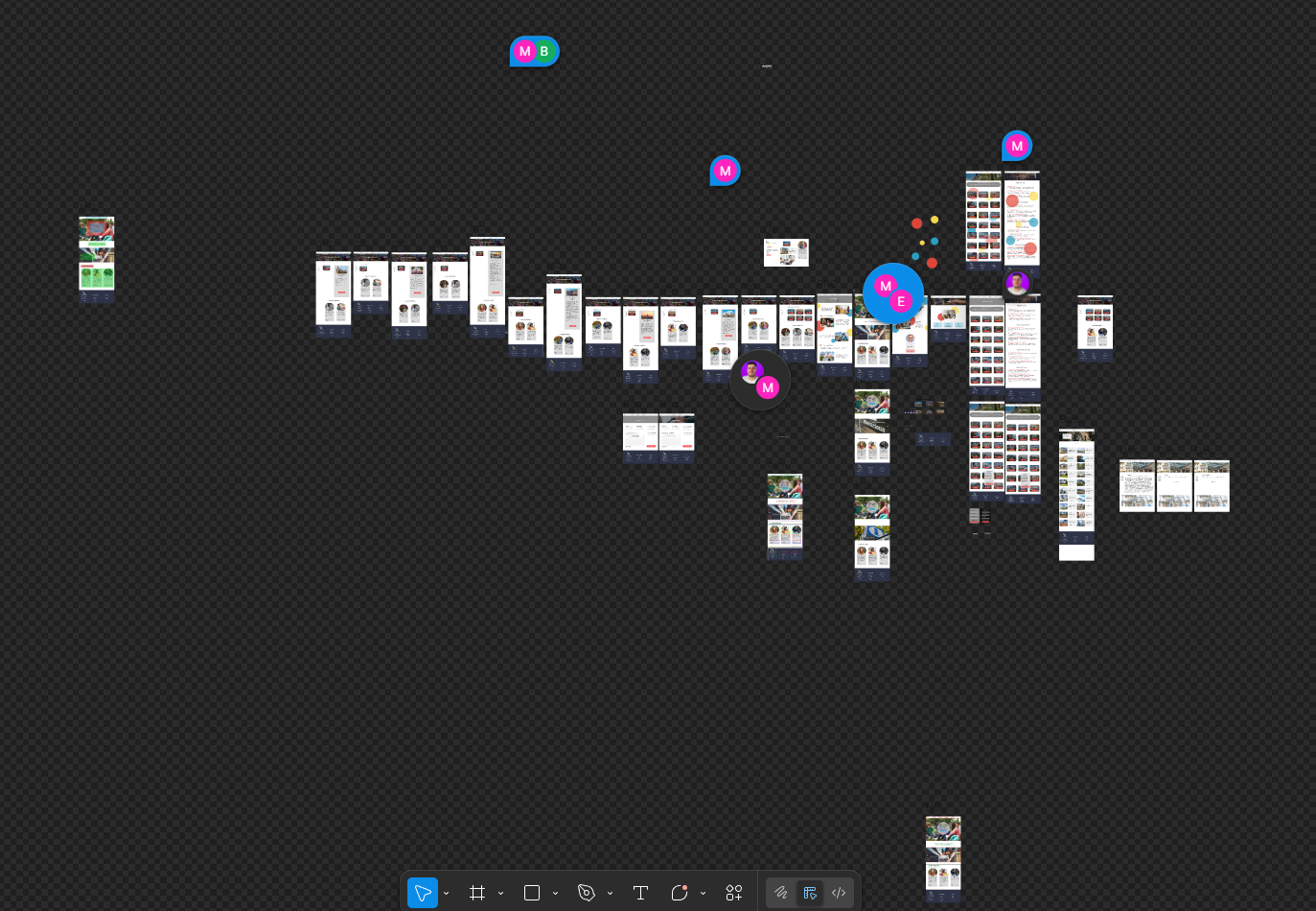
How did it go?
Overall, it went well. There were some tricky parts, like sticking to BELCO's brand while trying to give it a fresh look. Communication was key — working with the team made the process smoother and more fun.
What I learned
- Designing with a real client makes you think differently
- Adjusting based on feedback is part of the process
- I got more confident in designing clean and practical layouts
Reflection
This project reminded me how important flexibility is in design. Things change! And you have to be ready for it. I also realized how much I enjoy collaborative projects — seeing my work actually go live was super rewarding.
Zone In (Project X)
Introduction
Zone In is a web-based reaction game I created as part of Project X. I wanted to explore how interactive media could be used creatively and purposefully — especially for users with ADHD. Built with HTML, CSS, and JavaScript, the game was a fun challenge that mixed design thinking with coding skills.
What did I do?
I came up with the idea after discussing possible directions with teachers. I wanted something meaningful yet simple, so I designed a game that helps train focus. I researched ADHD design needs, created sketches, made a Figma prototype, and coded the game myself. I also:
- Designed flyers and promo materials using Canva and generated an ad using Sora (I originally wanted to try VEO3)
- Conducted research on ADHD-friendly design and accessibility
- Did user testing with classmates and teachers to improve the visuals and gameplay
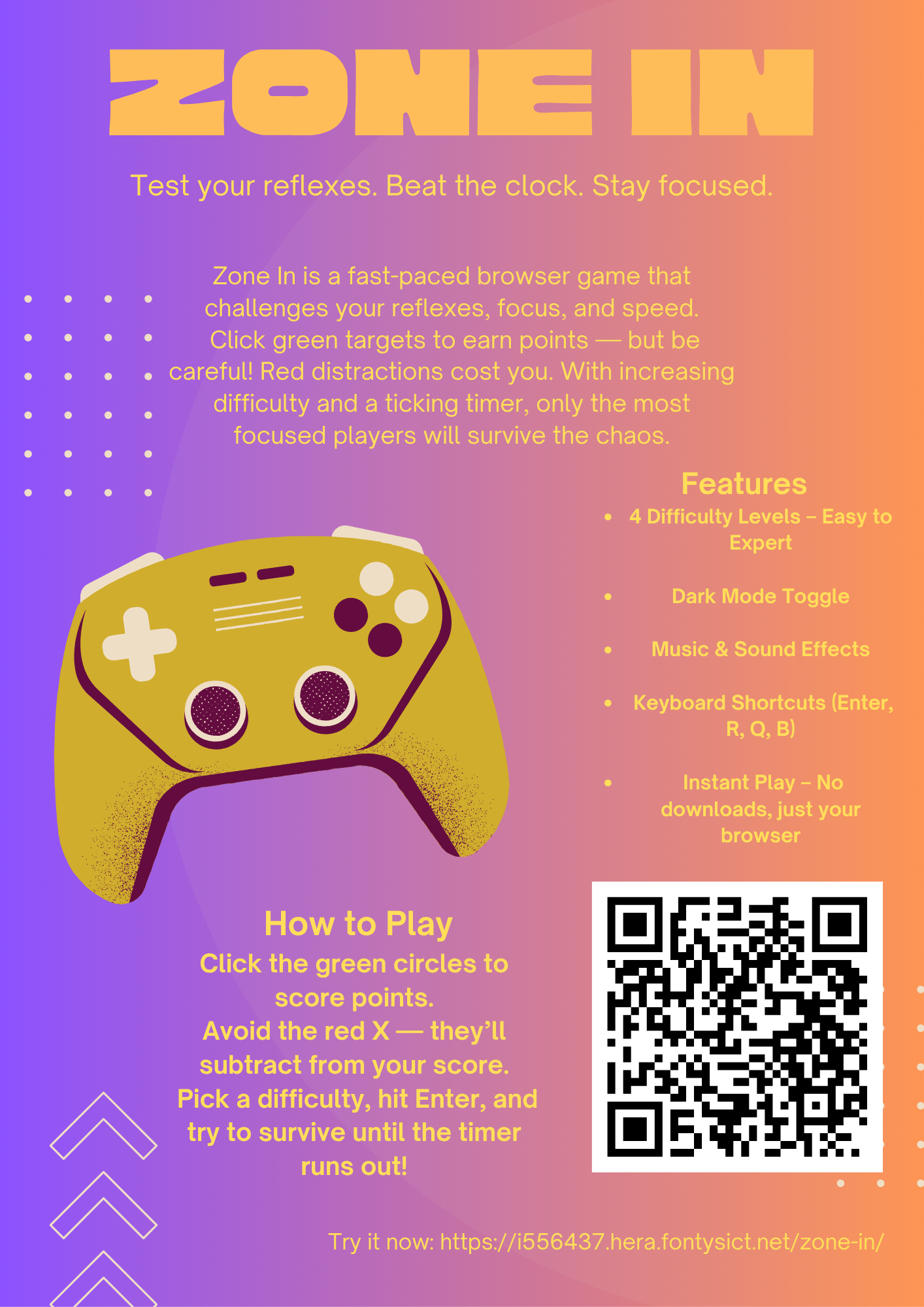
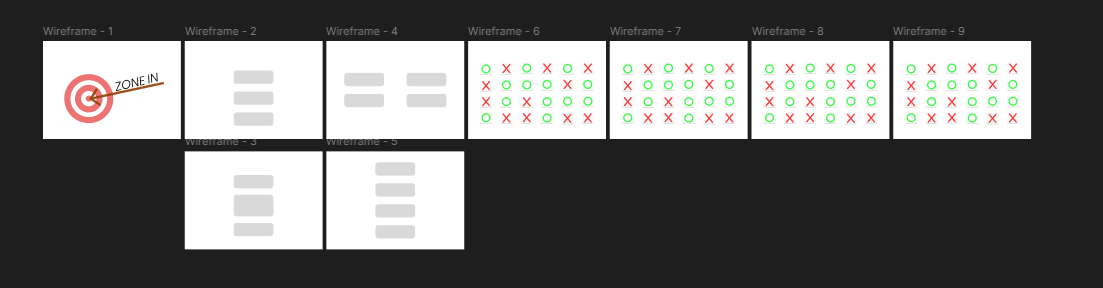
View my Figma design | Play the game
How did it go?
Honestly, this was one of the most fun projects I’ve worked on. I got to combine creativity with real research and feedback. Some things were tricky — like making the interface clean but still engaging for users with ADHD. But overall, it came together well. The testing phase especially helped me polish the experience.
What I learned
- How to create functional game logic using JavaScript
- How to design with accessibility and neurodiversity in mind
- How to use
localStoragefor saving game settings - How user feedback can shape a better UI and experience
Reflection
This project taught me a lot — not just about coding, but about people. Learning how to design for different needs was eye-opening. I also realized how much I enjoy building something from scratch and improving it step by step. There’s always room to grow, but I’m really proud of how Zone In turned out.
Overall Reflection
LO1 taught me the real value of testing and iteration. I used to think you had to get things right on the first try, but now I know it's all about the process. Feedback from teachers, group members, and even users helped me level up my work. I'm especially proud of how I handled the BELCO project — real client work felt meaningful. I still want to improve my coding side more, but design-wise, I feel like I found my voice.